
Before loading into Shamania, there are a few mechanics and features to be aware of:
- The Obelisk is the heart of your game.
- Your Character can only be connected to one World save. Each time a new World is created, it requires a new character to be created.
- There is no Pause function in Singleplayer or Multiplayer games.
- There is no Controller Support.
- There is currently no end game or outcome, BUT this is standard in EA games!
Click on the links in the list below to jump to section:
Character
The default key binding for your Character screen or Inventory is “Tab”. All your inventory items, hotbar, gear, and stats can be interacted with or displayed on this screen.
Your character automatically has the Default Wings equipped to glide. Glide can be performed by pressing “Space Bar” twice while in the air.
More information for Character Creation here and Customization here. More information for Gear here and Mounts here.
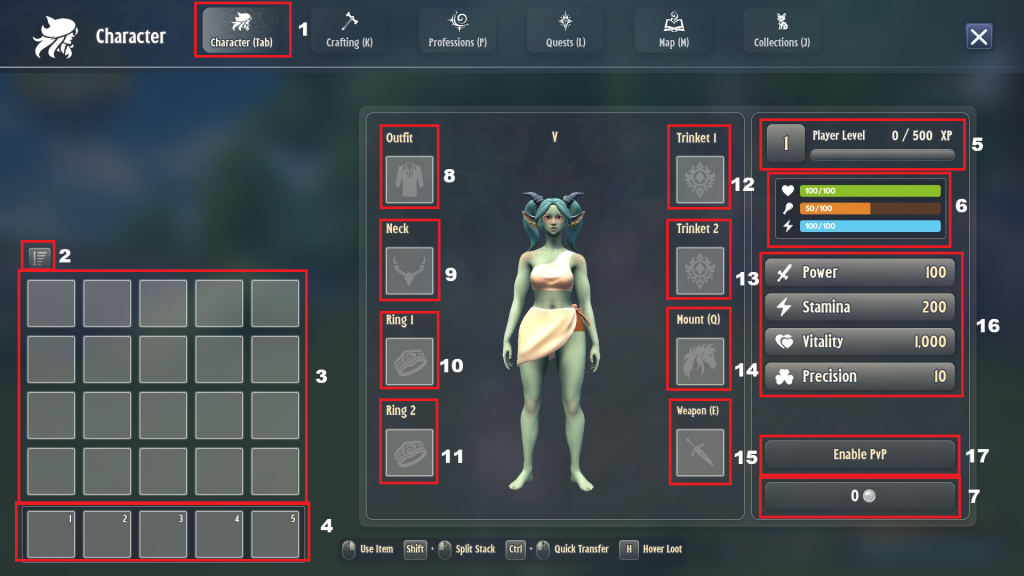
- Character UI tab next to Crafting, Professions, Quests, Map, and Collections tabs.
- Sort Inventory
- Inventory Slots
- Hotbar
- Player Level and XP bar
- Stats HUD with Health (Green), Food (Orange), and Stamina (Blue)
- Gold and Silver Coin display
- Outfit Slot (Armor)
- Neck Slot (Necklace)
- Ring 1 Slot
- Ring 2 Slot
- Trinket 1 Slot
- Trinket 2 Slot
- Mount Slot
- Weapon Slot
- Power, Stamina, Vitality, and Precision stats
- Enable PvP
Crafting
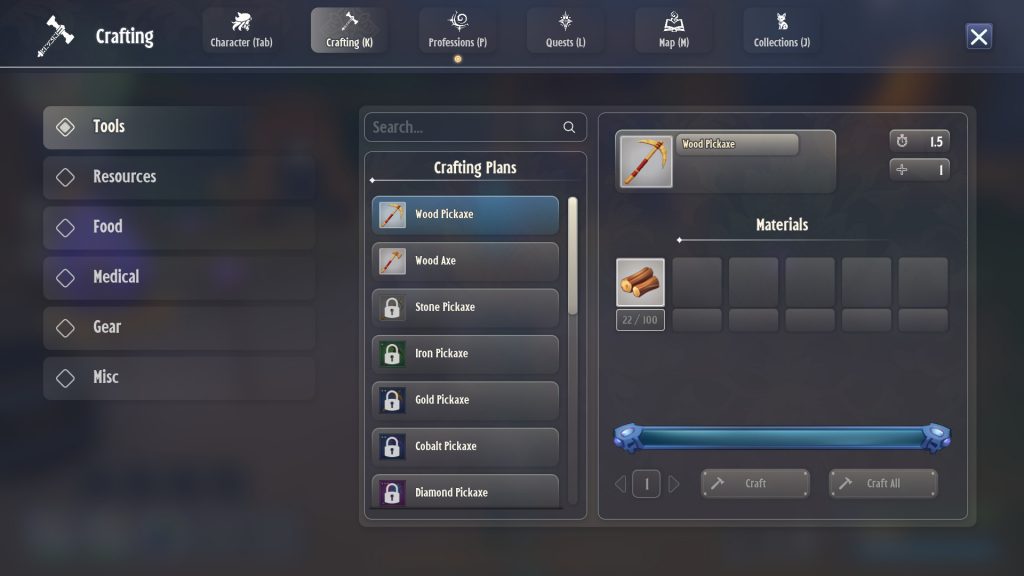
On-player Crafting can be accessed by default control “K”.
This screen includes the following categories:
- Tools – such as Axes and Pickaxes
- Resources – complex crafting items
- Food – Rich Dinner recipe
- Medical – Bandages
- Gear – Outfits, Neck, and Weapons
- Misc – Homeward Stones
More information on how to unlock Crafting Recipes can be found here.
Professions
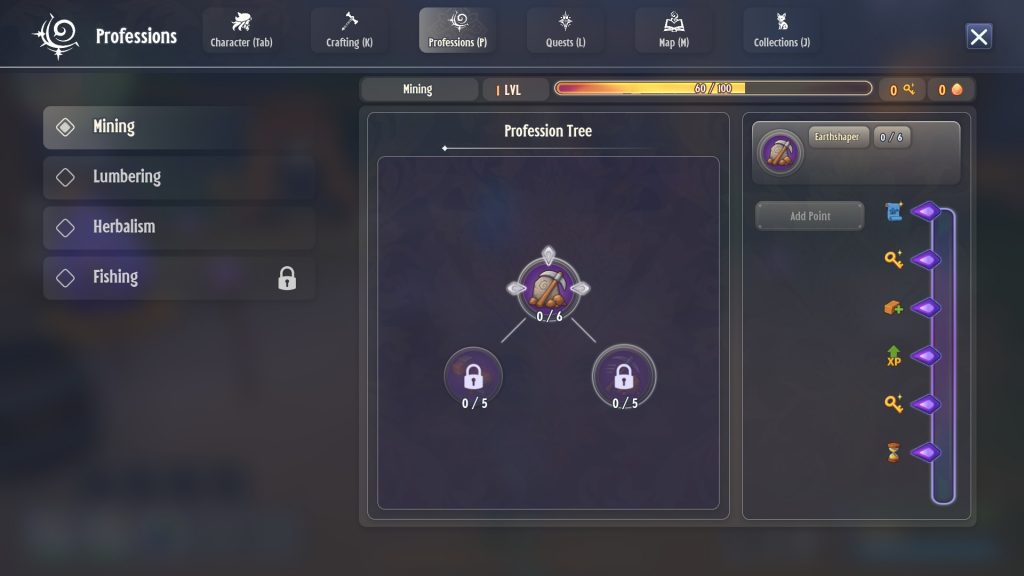
Professions can be accessed by default control “P”.
Your Professions and Profession Trees will grant bonuses, rewards, and unlocks as you level the skill.
Mining, Lumbering, and Herbalism (gathering) are already known, but Fishing must be learned from the Fishing Trainer. More on Fishing here.
More information on Professions can be found here.
Quests
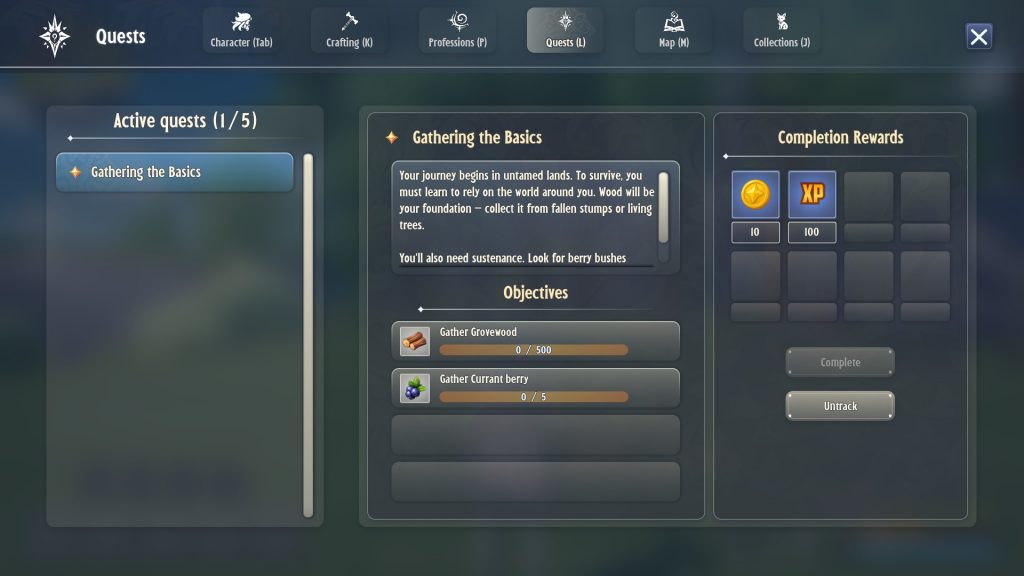
Quests can be accessed by default control “L”.
All active quests from the Tutorial, accepted by Traders, or from the Daily Quests board will be displayed here. You can Track or Untrack quests on the bottom right to display them on your in game view. You also will “Complete” all quests in this UI to receive the Completion Rewards.
Map
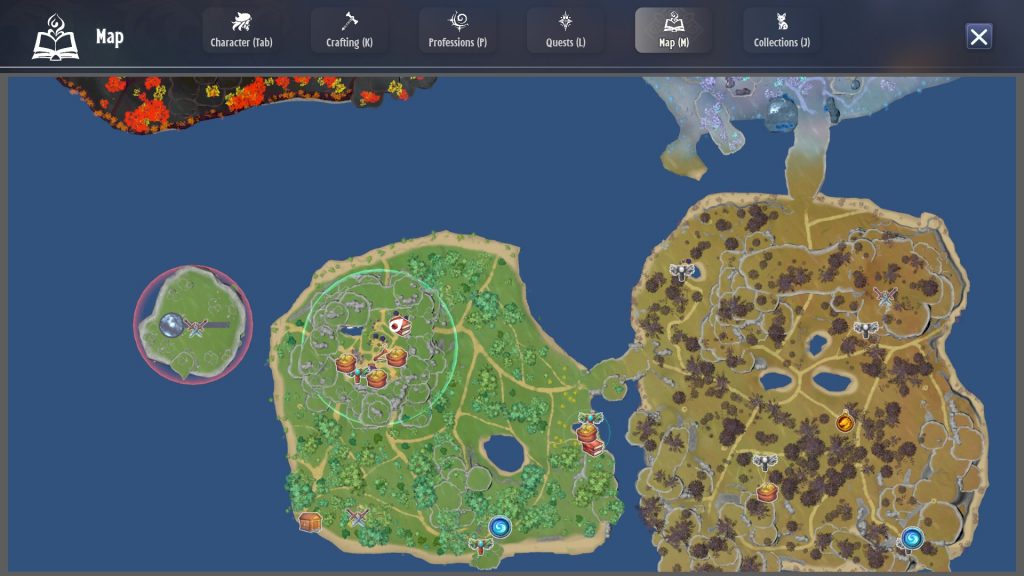
The Shamania Map can be accessed by default control “M”. Only small portions of the map are visible at once and it will default to center around the player’s location.
There are currently no maps insides Raids or Dungeons.
More map information can be found on the Interactive Map here.
More information for each biome can be found using the following links:
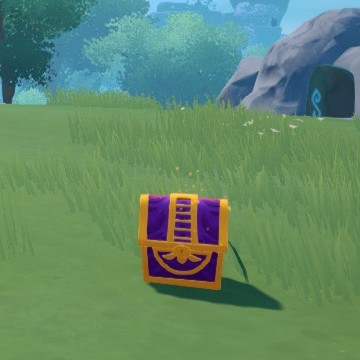
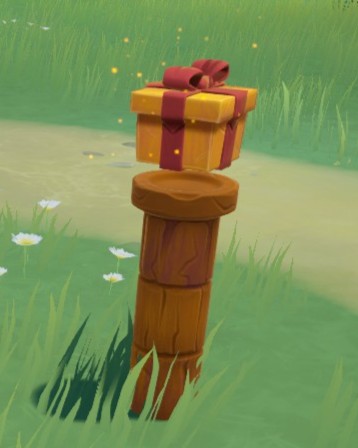
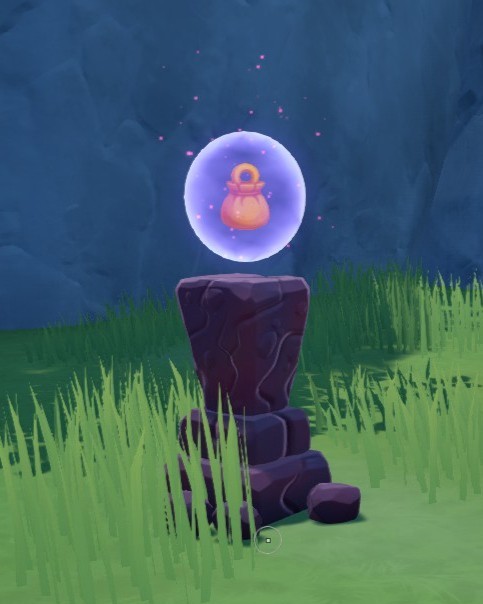
Spread across all biomes you can find “Stashes” which appear as purple and gold chests as shown in the image to the right. These “Stashes” will only have resources relevant to that biome. Below are some other common sights:
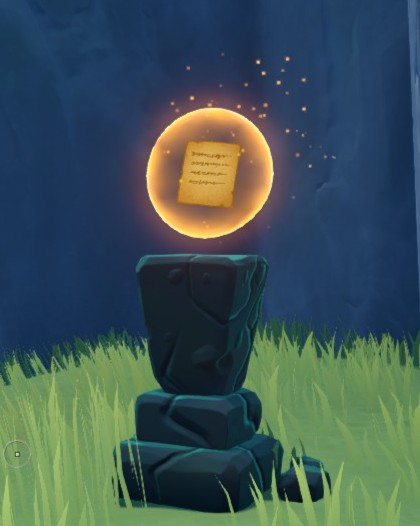
Collections
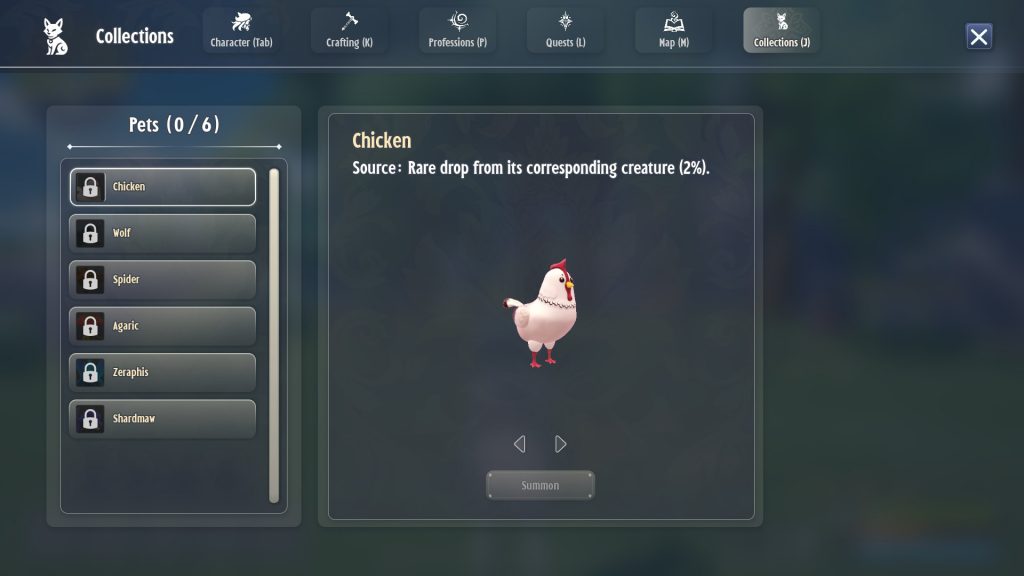
Your Collections can be accessed by default control “J”.
Collections are Pets you can equip in Shamania. There are 6 total and they are small versions of enemies and animals found in different biomes. When equipped, they become small animals that follow you around.
Pet Recipes can be obtained as rare drops from their corresponding enemies. More information on Collections can be found here.